Screen size: get this right first
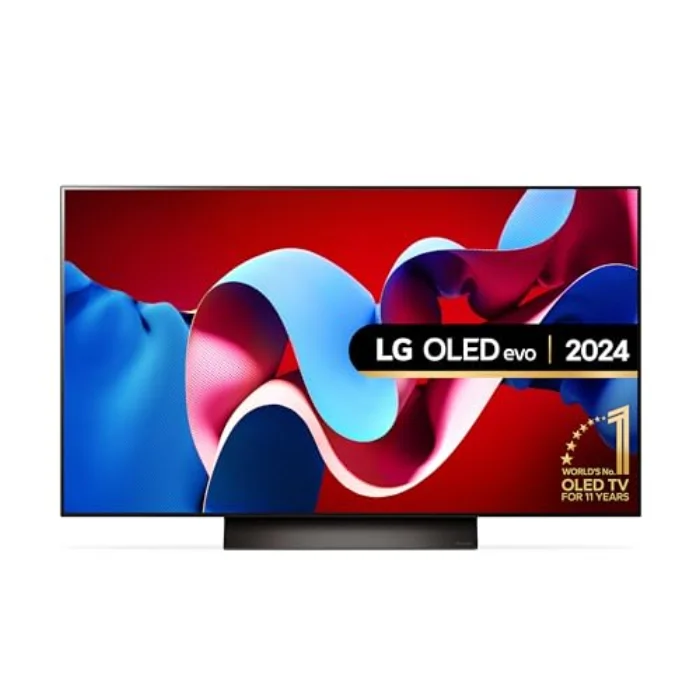
Size is the decision people most often regret, almost always by buying too small. For 4K content you can sit closer than with older HD sets, because the pixels are invisible at normal distances. As a guide, sit at roughly 1.2 to 1.5 times the screen width: a 48-inch suits a viewing distance of around 1.5 to 1.8 m, a 55-inch around 1.8 to 2.2 m, and a 65-inch around 2.2 to 2.6 m. Most UK living rooms land on 55 or 65 inches. Measure your sofa-to-wall distance with a tape, then buy the largest size that fits comfortably and your budget allows. A 65-inch set is far more immersive than a 55, and after a week nobody wishes they had gone smaller. The exception is a desk or small bedroom, where the 48-inch LG B4 is ideal.
Brightness: how many nits do you need?
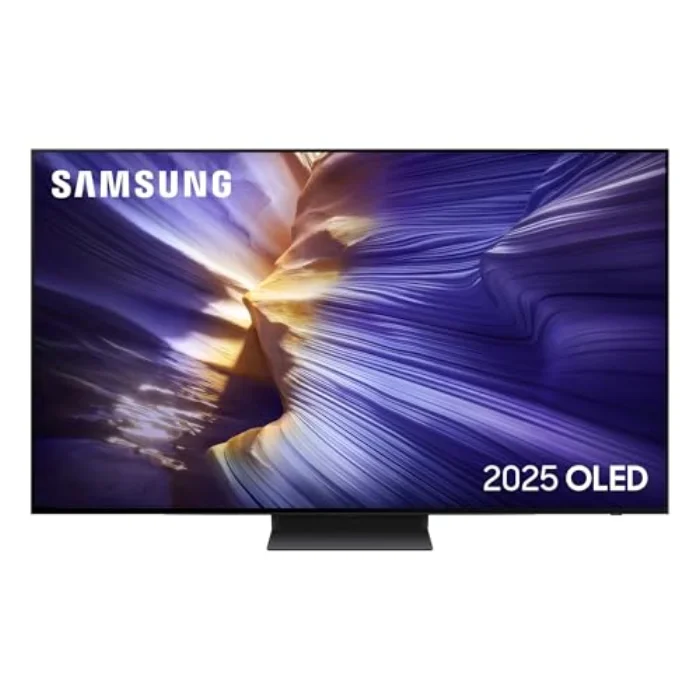
Brightness, measured in nits, decides how much HDR highlights pop and how well the TV copes with daylight. We measure peak brightness on a 10% window, and our six ranged from 660 nits on the budget LG B4 to 1,460 nits on the flagship Panasonic Z95A, with the LG C4 at 1,065 and Samsung S90D at 1,015. For a dark or dimmable room, anything from around 700 nits up looks excellent. For a bright, sunlit room, aim for 1,000 nits or more. Ignore eye-catching headline figures like "4,000 nits", which are measured on a tiny 2% window that never occurs in real content; the 10% window figure is far more representative of what you will see.
W-OLED, QD-OLED and MLA: panel types explained
Not all OLED panels are the same, and the type affects brightness and colour. There are three you will meet:
- W-OLED (White OLED) is the classic LG-made panel used by LG, Sony and Philips. It is reliable and accurate; the brighter "evo" version, as on the LG C4, adds peak punch.
- QD-OLED (Quantum Dot OLED), made by Samsung and used in the Samsung S90D, adds a quantum-dot layer for purer, more saturated colour that holds at higher brightness. It measured the widest colour gamut here at 99.2 percent DCI-P3.
- MLA (Micro Lens Array), as on the Panasonic Z95A, adds microscopic lenses to focus more light forward, which is how it reached the brightest figure on test at 1,460 nits.
For most buyers the panel type is less important than getting size and brightness right. If colour excites you, lean QD-OLED; if you want maximum brightness, MLA; for a dependable all-rounder, an evo W-OLED set such as the C4 is perfect.
HDR formats: Dolby Vision and HDR10+
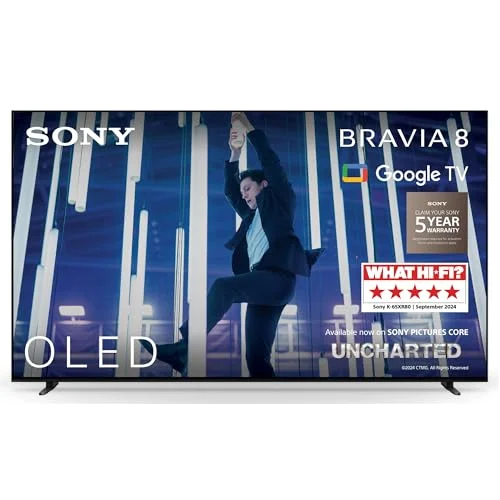
HDR (High Dynamic Range) is what gives modern content its bright highlights and deep shadows, and there are competing formats. Dolby Vision and HDR10+ both add scene-by-scene metadata for a better picture than basic HDR10. The catch is that no brand supports both fully: the LG and Sony sets do Dolby Vision but not HDR10+; the Samsung S90D does HDR10+ but not Dolby Vision; and only the Panasonic Z95A supports every format. Since a great deal of streaming content is mastered in Dolby Vision, the lack of it on the otherwise excellent Samsung is its main weakness. Check which format your favourite services use before you choose.
Gaming: HDMI 2.1 ports and input lag
If you game, two things matter: how many full HDMI 2.1 ports the TV has, and its input lag. HDMI 2.1 carries 4K at 120 Hz plus VRR and ALLM, which a modern PS5, Xbox Series X or gaming PC needs. The LG C4, LG B4, Samsung S90D and Panasonic Z95A each give you four; the Sony BRAVIA 8 and Philips OLED809 only two. Input lag, the delay between controller and screen, ranged from 5.8 ms on the C4 to 16.4 ms on the BRAVIA 8 in our tests, all well under the roughly 30 ms threshold of concern. For a busy gaming setup, count the ports and favour the lowest lag. Our best OLED TV for gaming guide ranks the field for players.
A quick word on burn-in
Burn-in worries many buyers, but in 2026 the risk is small for normal use. Modern OLEDs run pixel-shifting, logo dimming and an automatic compensation cycle after about four hours, so for varied film, TV, sport and gaming it is very unlikely over the TV life. The risk only rises with thousands of hours of a static element at high brightness. We cover the detail and how to use a set sensibly in our OLED burn-in guide.